
Your institution carries the instance on.
We set Moliri up for your institution and migrate your data. After that, the instance is in your hands: who may see and edit what, which fields are added, which defaults apply to everyone. You need no programming skills for that.
Administration has an area of its own in the handbook.
How your instance comes about
It starts with the way you catalogue today, as an Excel file, an Access database or an extract from another system. From that come fields, input masks and projects, and your data moves across. Process templates and standards speed this up, and an import that did not fit can be undone as a whole.
The records from your previous software come in as a spreadsheet through the Excel import, the images through the bulk file import, index cards and inventory books through text recognition. For your previous software we adapt an import module on request that takes the data over directly.
In the handbook: Setup and administration · Bring your collection over from other software
The way to your own instance
- Your cataloguingExcel, Access or an extract from the old system
- Data modelFields, input masks and rules as you need them
- Data migrationYour data moves across, authority data is resolved
- Your team takes overYour institution maintains users, permissions, templates and new fields itself
Who sees and edits what
Permissions are granted to groups, ideally by task, and range from whole projects down to a single field. Guest curators then see only their exhibition, and conservators edit the condition but not the loan agreement.
On each account, Moliri shows for every project and every field what the person may do and where that permission comes from. If you change a group, you see the consequences straight away, and new or withdrawn permissions take effect at once. For whole accounts there are levels such as “Read only” or “Read all”.
In the handbook: Granting access
Access for the team and for guests
An account can carry an expiry date. Guest curators, couriers or trainees then work with you for exactly the length of their project. Staff sign in through your institution's single sign-on, and every account can be secured with a second factor. The sign-in can then be confirmed on your own phone: the phone speaks up with a notification, and a tap on the matching number and the screen lock are all it takes.
In the handbook: Creating users · Sign-in
Creating and delimiting projects
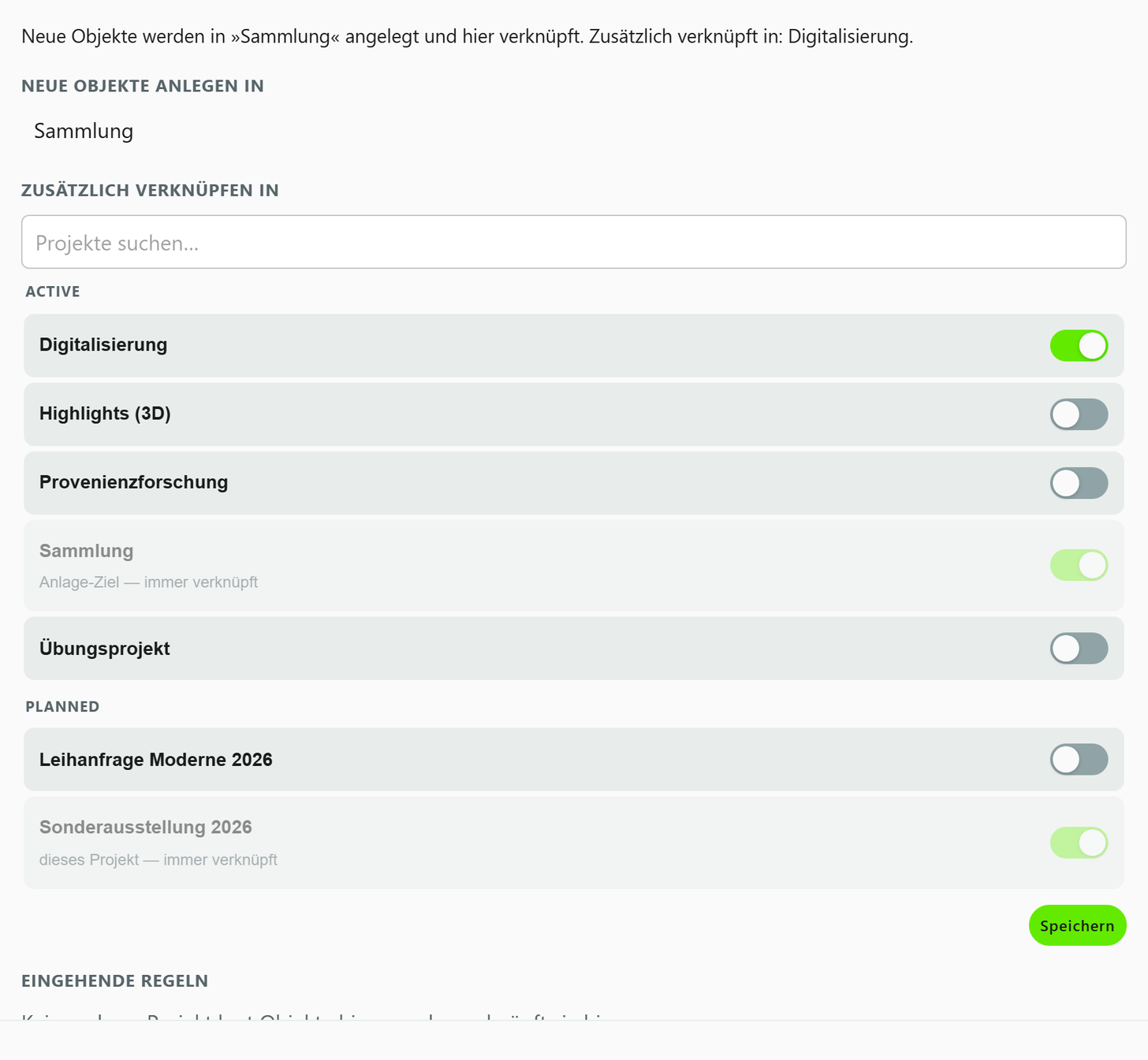
A new project gets the input masks your institution has set as the default. Whether new objects are created only in the project or in the holdings as well is governed by a setting that Moliri sums up in one sentence. That way, loans stay in the exhibition and new acquisitions end up in the collection.
In the handbook: Creating a project
Settings for the whole institution
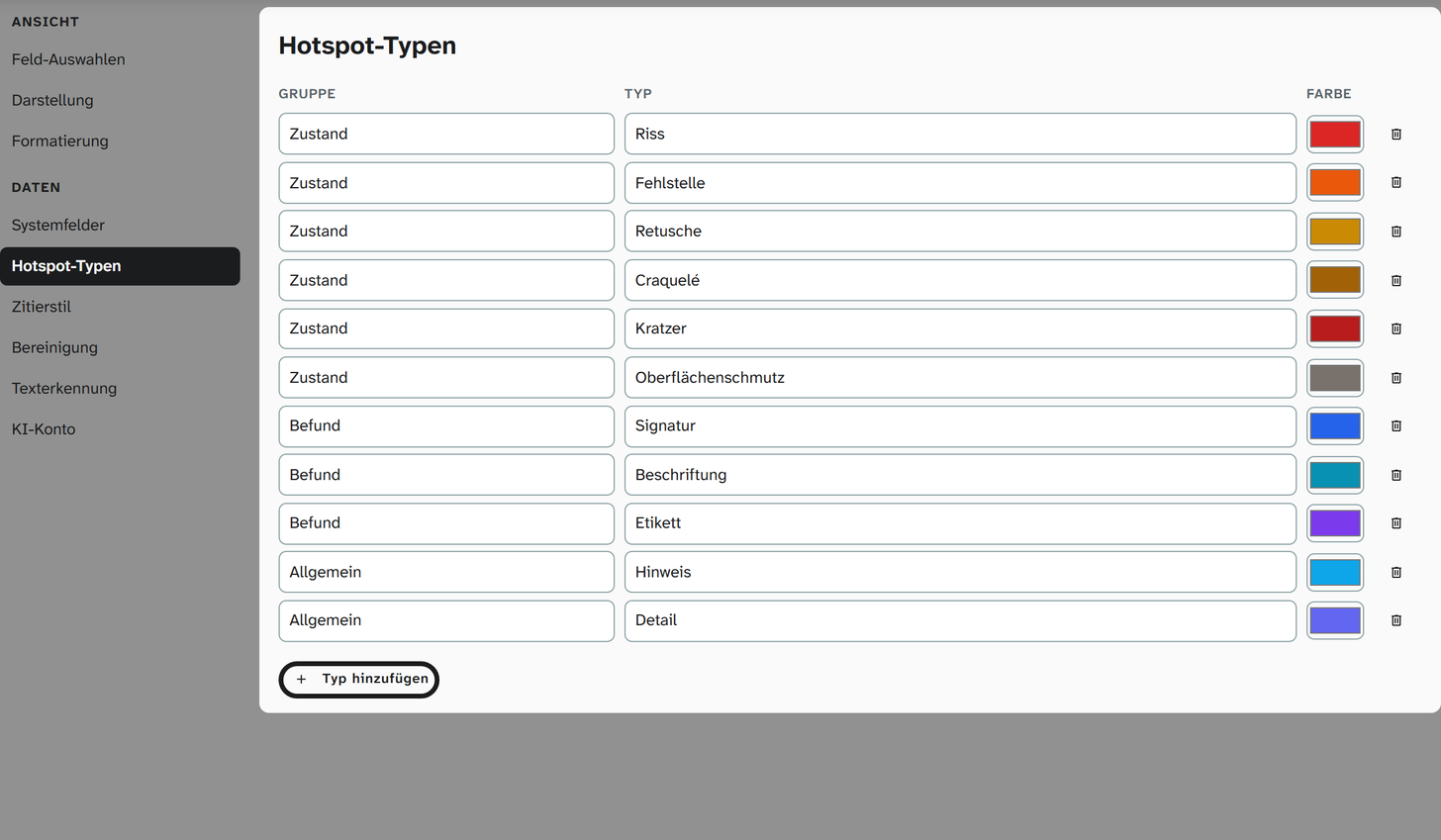
Administrators set date and number formats, the fields in gallery and table, hotspot types such as damage categories, event types, authority data sources and the citation style once for everyone. For formats and views, each person can deviate for themselves and return to the default with one click.
In the handbook: Administration areas
Building on without programming
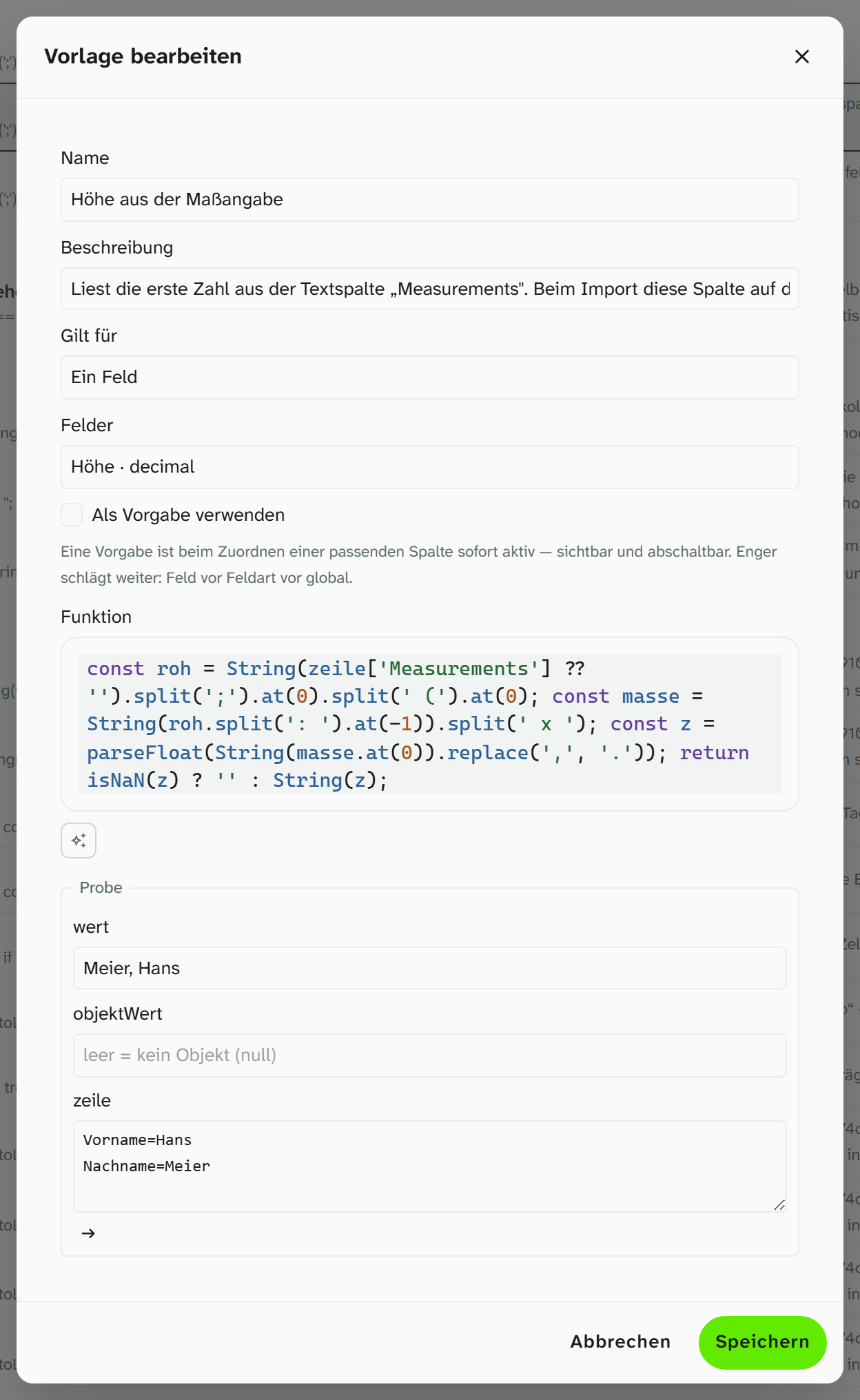
New fields can be tried out before they go onto a mask, and for every field Moliri shows where it is used. Recurring transformations during import, such as the height from “73 x 92 cm”, are ready as functions in a library. If you would rather not write a formula, a Word template, a new field or a value list yourself, copy a ready-made request for a language model of your choice and paste in the answer. The request brings along the rules and the field catalogue of the project, no object data. The editor in question checks the pasted answer like any other input, formulas and Word templates with particular care.
In the handbook: Import functions
An AI assistant with its own access
If you work with an AI assistant such as Claude, Cursor or VS Code, you connect it to Moliri through the Model Context Protocol (MCP). Each person creates the access in their own profile, with a validity period and the choice between “Read” and “Read and suggest”, and revokes it there.
The assistant has the same read permissions as the person and never writes into a field itself. Its suggestions go to Check, where a person accepts or discards them.
Access tokens
- ConnectionModel Context Protocol (MCP)
- PermissionsRead, or read and suggest, never more than the person
- Validity30 days, 90 days, one year or unlimited
- RevocationAt any time in the profile
An instance of your own, looked after by us
Moliri runs in the browser, on a computer as well as on a tablet or phone, nothing is installed. Each institution has its own instance with its own database, hosted in Germany or on servers in your own institution. The database is backed up every hour, and monitoring reports faults to us automatically. Support is available by email, chat and phone.
In the handbook: Operation
Operation
- InstanceIts own database per institution
- HostingIn Germany or in your own institution
- BackupEvery hour
- Sign-inPassword, two-factor with app or phone, single sign-on
- InterfaceIn the browser on computer, tablet and phone, in 7 languages
All features at a glance
- Objects
Find, organise, change
Read more - Data model
Catalogue the way your institution catalogues
Read more - Checks and data care
Keeping the data clean
Read more - Documentation and research
Documents as searchable text
Read more - Conservation
Findings belong to the object
Read more - Files
One file library for all projects
Read more - Exhibitions and loans
From loan request to the finished wall
Read more - Standards and publication
Map once, deliver anywhere
Read more - Reports and export
From the database to the document
Read more - Setup and administration
Your institution carries the instance on
This page
Let's talk about your move
Send us the way you catalogue today. In the demo we show how it turns into fields, input masks and permissions for your team.